
Hamraaz Web: Complete Guide for Indian Army Personnel
Hamraaz Web: What It Is and Why It Matters
The Hamraaz Web portal is an official digital platform launched by the Indian Army’s Adjutant General’s Branch (MP-8) to simplify pay, service, and communication facilities for serving Junior Commissioned Officers (JCOs) and Other Ranks (ORs). It allows soldiers to download payslips, access Form-16, calculate pay fixation, and track service-related information securely from anywhere in India.
This initiative is part of the Army’s broader push towards digital governance and paperless services, ensuring that critical financial and service details are just a few clicks away.
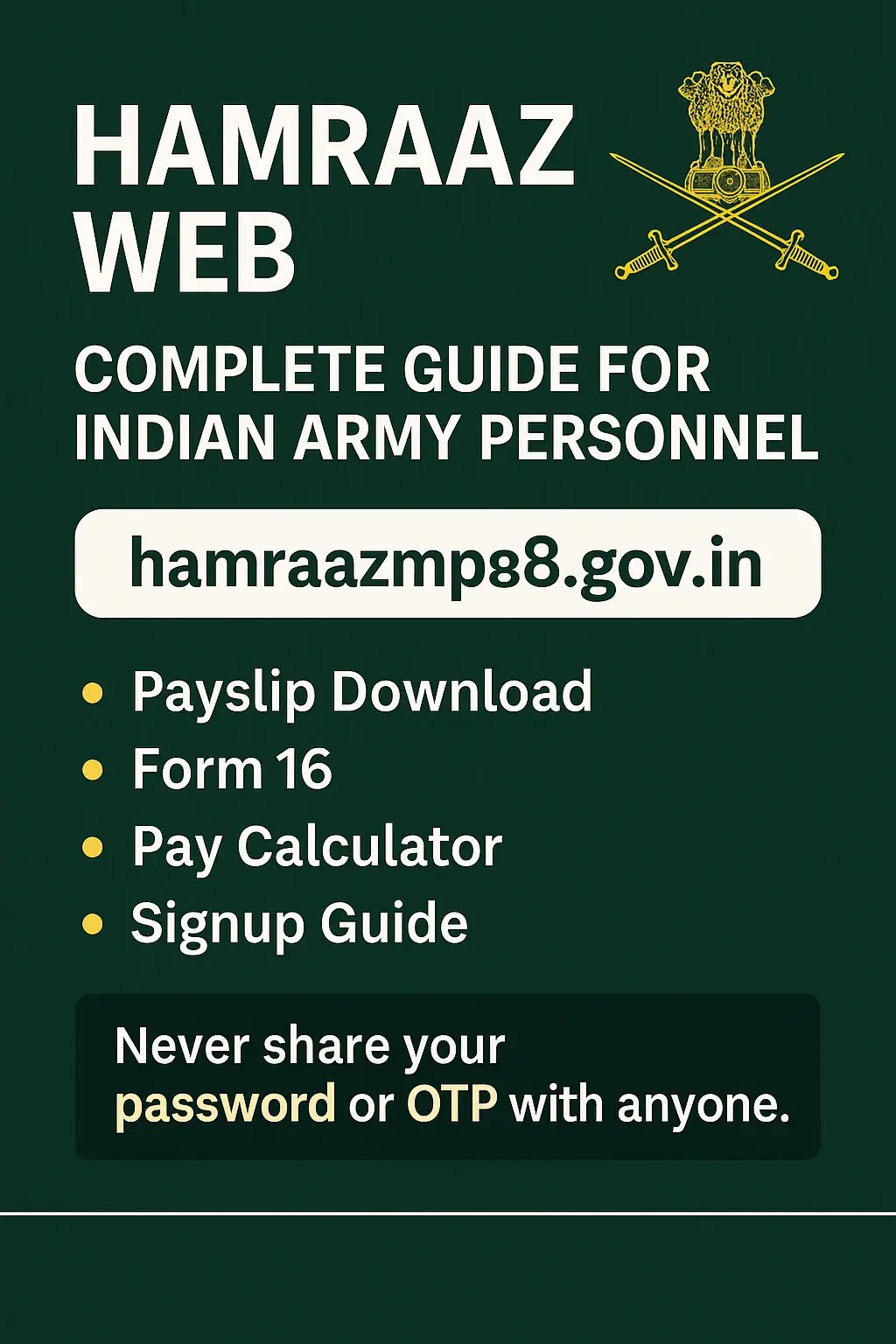
Hamraaz Web Official Website & Safe Access Checklist
The official website of Hamraaz Web is https://hamraazmp8.gov.in. Users should always double-check the domain name carefully because many fake or cloned websites exist to trick personnel.
On the homepage, you will find:
- Personal Login (for individual soldiers)
- RO Login (for Record Offices)
- Unit Login (for unit administrators)
- Signup (new registration)
- Forgot Password (password reset)
- Pay Calculator
Safety Checklist from the portal itself:
- Always use authorized links.
- Avoid logging in on public Wi-Fi or cybercafés.
- Do not click on unknown links.
- Always log out after using the portal.
These steps are critical because defence personnel are prime targets for phishing and spyware attacks.
Hamraaz Web Personal Login: Step-by-Step Guide
- Visit hamraazmp8.gov.in.
- Click Personal Login on the homepage.
- Enter your User ID (your PAN in uppercase).
- Type your password.
- Solve the captcha code.
- Click Submit to log in.
If you face login errors, check whether your PAN is entered in all caps, ensure captcha is typed correctly, or reset your password using the Forgot Password option.
Hamraaz Web Signup/Registration for New Users
For first-time users, registration is mandatory:
- On the homepage, click Signup.
- Enter your PAN (in uppercase letters).
- Enter the captcha code.
- Verify your details (sometimes OTP verification is required).
- Set your login password.
After completing these steps, your account is created, and you can access all portal features.
Key Features of Hamraaz Web
Hamraaz Web provides multiple online utilities designed for Army personnel:
- Payslip Download: Soldiers can view and download their monthly salary slips in PDF.
- Form-16: Downloadable for filing income tax returns.
- Service Records: Track service details, promotions, and postings.
- Grievance Redressal: Submit and track grievance applications.
- Unit Login: Enables unit administrators to access relevant data.
- RO Login: Record Offices can manage and verify soldier records.
Hamraaz Web Pay Calculator (MP-8)
One of the most popular features is the Pay Calculator, linked directly on the homepage.
- Enter details like Pay Level, Basic Pay, Date of Promotion/MACP, and Date of Next Increment (DNI).
- The system generates an approximate pay structure.
- Important note: The calculator is for reference only. The official pay fixation is determined by Army authorities.
Hamraaz Web vs Hamraaz App: What’s the Difference?
- Hamraaz Web: Accessible through any browser (mobile or desktop). No installation needed.
- Hamraaz App: Originally released for Android, but soldiers are advised to be cautious since fake APKs circulate on the internet.
- The web portal is considered safer because it is tied directly to the official Army server.
Security Best Practices for Hamraaz Web Users
Since Hamraaz Web stores sensitive data, soldiers must follow strict cyber hygiene:
- Access only via official domain (hamraazmp8.gov.in).
- Never share your password or OTP with anyone.
- Avoid sideloading the Hamraaz app from unofficial APK sites.
- Keep your device updated with antivirus protection.
- Change your password periodically.
CERT-In and Army advisories warn against phishing attempts and spyware apps specifically targeting defence personnel.
Troubleshooting Hamraaz Web: Login & Password Issues
Common problems and solutions:
- PAN not accepted → Check uppercase format (e.g., “ABCDE1234F”).
- Captcha mismatch → Refresh and re-enter carefully.
- Forgotten password → Use Forgot Password option and reset through secure OTP verification.
- Repeated login errors → Contact your Unit Administrator or Record Office.
Eligibility: Who Can Use Hamraaz Web?
HamraazWeb is strictly restricted to serving Army personnel (JCOs & ORs).
- Civilians cannot access the portal.
- Retired personnel also have separate portals like Sparsh for pension-related services.
Payslip & Form-16: Download & Record-Keeping Tips
- After logging in, select the desired year and month for payslip download.
- Form-16 is available annually for tax filing.
- Always store these PDFs securely and avoid sharing them over unsecured apps like WhatsApp.
Data Privacy: Spotting Fake Sites and Phishing
Defence portals are often targeted with fake clones. Red flags include:
- URLs with typo errors (like hamraazgov.in or hamraazweb.org).
- Unusual pop-ups asking for downloads.
- Websites missing HTTPS certificate.
Always verify you’re on hamraazmp8.gov.in before entering credentials.
Quick Reference: Hamraaz Login Menu Map
The main menu items are:
- Home
- Personal Login
- RO Login
- Unit Login
- Signup
- Forgot Password
- Pay Calculator
FAQs
It is used by Army personnel to download payslips, access Form-16, check service info, and use the pay calculator.
The official site is https://hamraazmp8.gov.in.
Click on Personal Login, enter PAN, password, captcha, and submit.
Use the Signup option, enter your PAN in uppercase, solve captcha, and set your password.
No, only serving Indian Army JCOs and ORs can access it.
It is linked on the homepage under Pay Calculator.
Use the Forgot Password option to reset securely.
No. Always use the official portal and avoid third-party APKs.
Public Wi-Fi increases the risk of hacking and phishing attacks.
Yes. Since it is a browser-based portal, you can use it on any device.
Conclusion
The Hamraaz Web portal is a critical service for serving Indian Army JCOs and ORs. By offering payslips, Form-16, service records, and a pay calculator, it simplifies administrative tasks and saves time. Soldiers should always prioritize cybersecurity, access only the official site, and avoid sharing credentials. With proper use, Hamraaz ensures that essential financial and service-related details are accessible securely at all times.