
If your Jio Gemini offer is active but not working, check that Gemini uses the Google account you selected during activation. Then check your Google One membership, complete any pending MyJio claim and confirm your Jio plan is still eligible. If the membership is missing, contact Jio support.
You do not need to try every step. Start with the situation that matches what you see.
Find Your Problem First
| What you see | Where to start |
|---|---|
| Gemini asks you to subscribe | Check your Google account and membership in Steps 1–2. |
| MyJio shows active, but Google One has no AI Pro membership | Check the claim and plan in Step 3. |
| Activation displays an error | Read Step 4. |
| AI Pro is active, but an app or feature fails | Go to Step 5. |
1. Use the Google Account You Claimed With
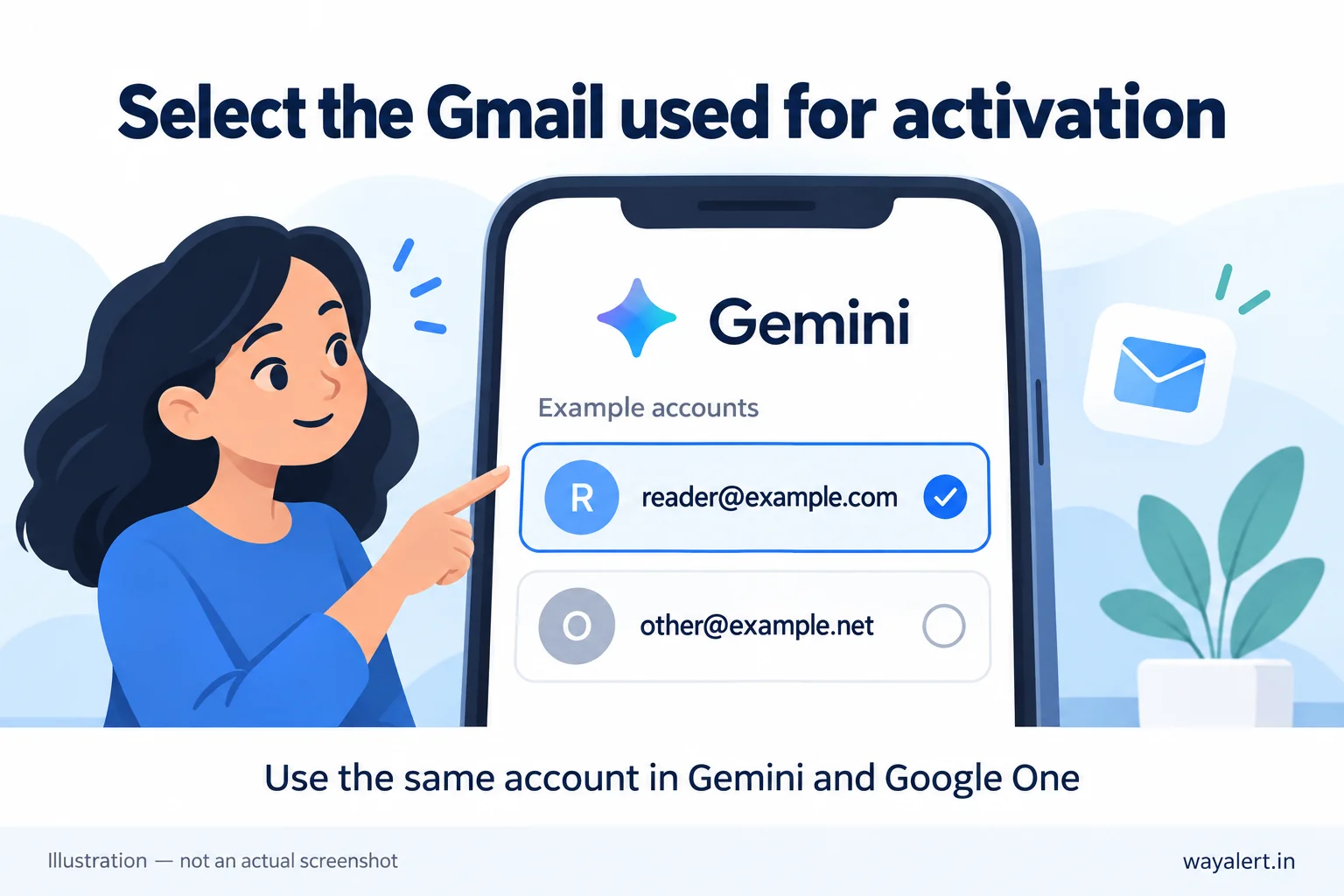
Check the full email address in Gemini. A familiar profile picture does not confirm that the correct account is selected.
- Open Gemini.
- Open the profile or account menu.
- Read the selected email address.
- Compare it with the Google account used to claim the Jio offer.
- If they differ, select the account used during activation.
Example: If you claimed the offer with your personal Gmail but opened Gemini with your second Gmail, check Gemini again using your personal account.
Switching accounts lets you access that account’s benefits. It does not transfer a subscription from one account to another.
2. Check Whether Google One Shows AI Pro
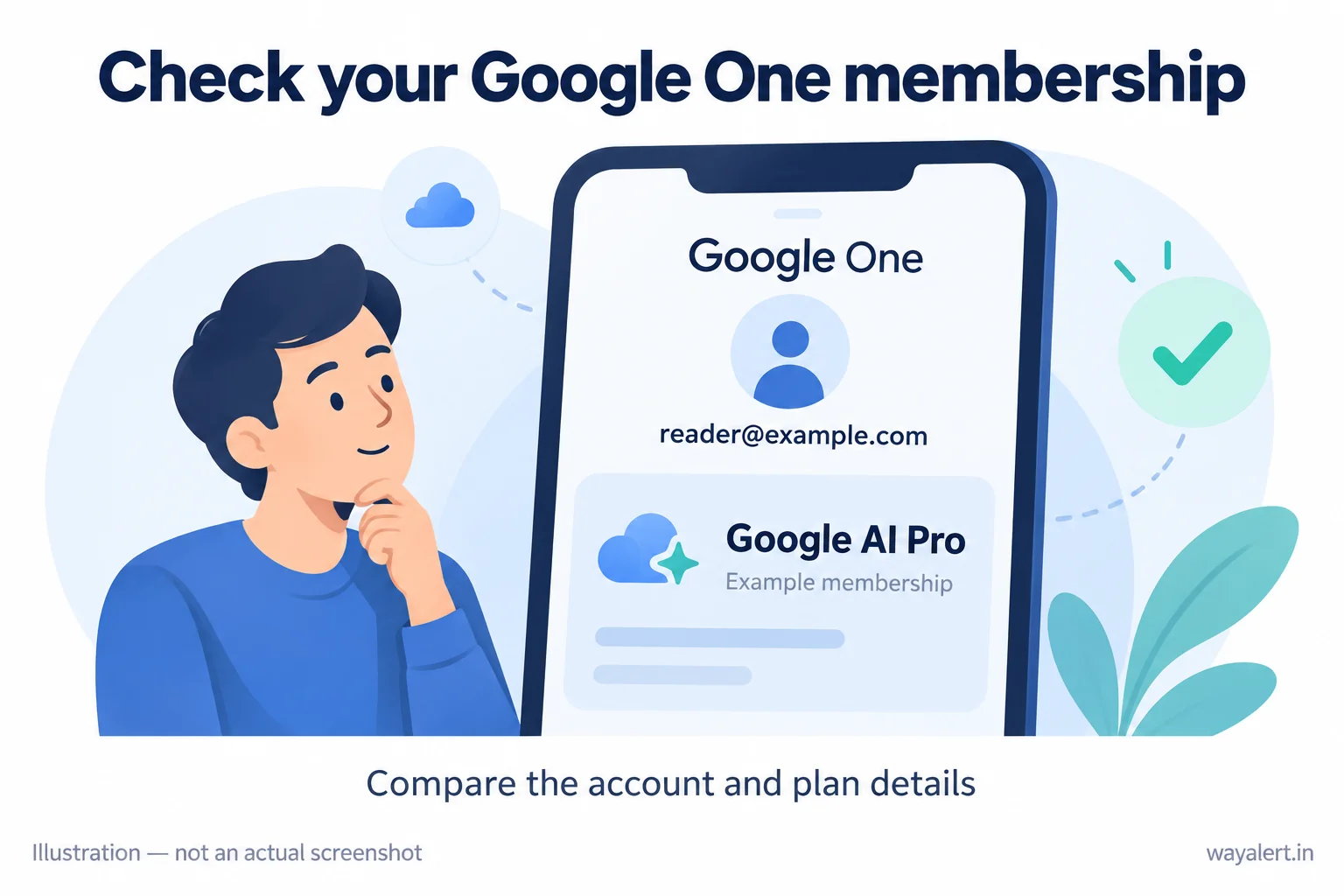
Open Google One using the same Google account.
Google One is where you can review the membership connected to your Google AI benefits. Check your current plan or membership details for Google AI Pro.
- AI Pro appears: Continue to Step 5 if a Gemini feature still fails.
- AI Pro does not appear: Check whether the claim was completed in Step 3.
- AI Pro appears on another account you own: Use that account in Gemini.
A page advertising an AI Pro upgrade is different from a page confirming your current membership. Read the plan details before buying anything.
3. Check the MyJio Claim and Your Active Plan
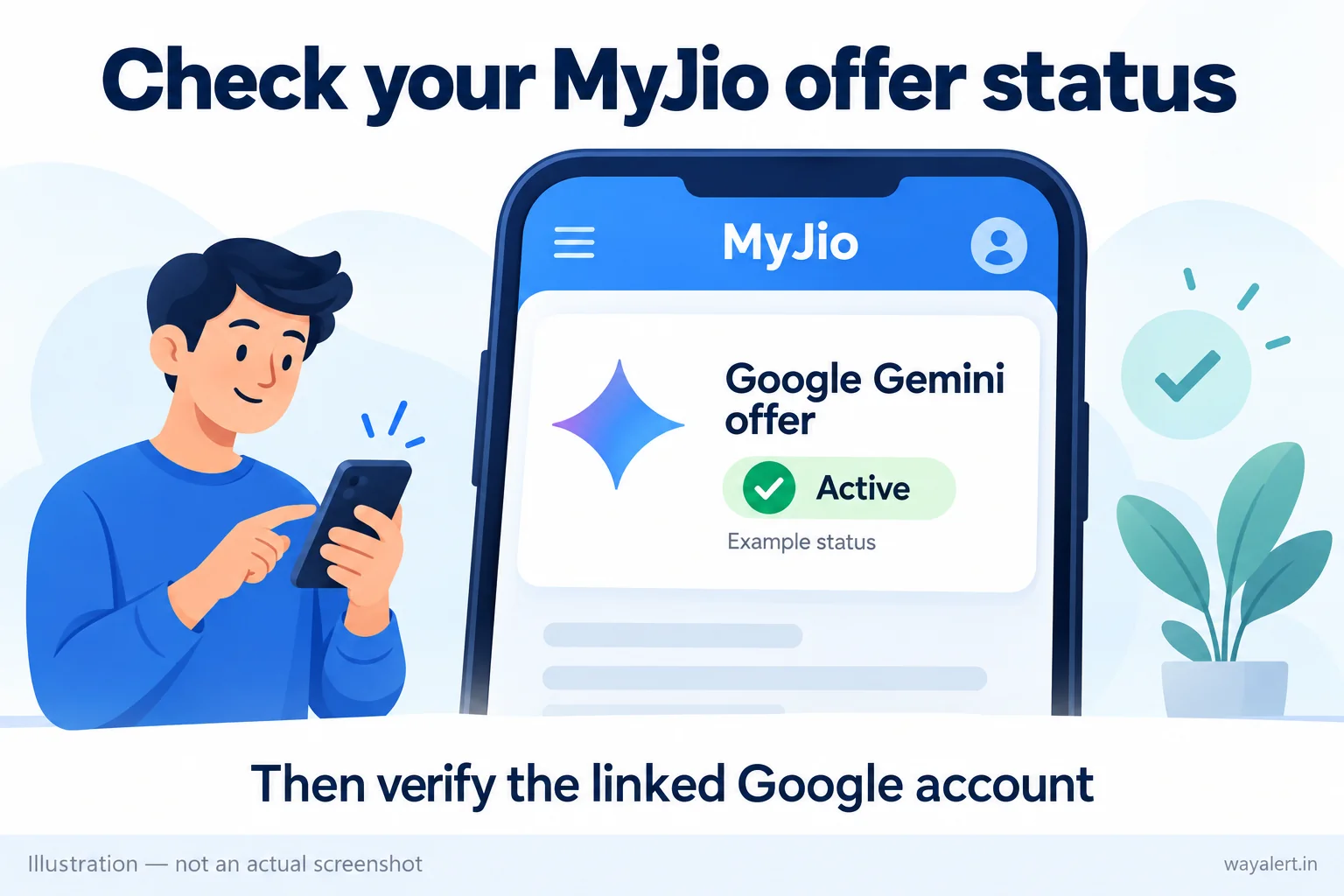
Open MyJio and select the Jio number used to claim the offer.
Check these three things:
- Offer status: Open the Gemini offer and read the full message.
- Claim completion: Look for any remaining registration or activation step.
- Plan validity: Confirm that your current recharge is active and eligible.
Jio’s official Gemini offer page describes claiming the offer through MyJio using your Gmail ID. Seeing the banner alone does not confirm that every activation step is complete.
At the time of checking, the mobile offer lists an age requirement of 18 years and above and an eligible unlimited 5G plan priced at ₹349 or above. Jio also requires an active eligible plan throughout the offer.
For help finding your recharge and validity information, see our Jio login and plan-details guide.
If MyJio shows active but Google One has no membership on the correct account, save both screens for support.
4. Follow the Exact Activation Error
If activation stops with an error, use the message to decide what to do next.
| Error message | What to do |
|---|---|
| Activation link expired | Return to the provider using the option shown and obtain a new activation link. |
| Subscription already in use | The link has already activated a subscription. Check the account originally used, then contact Jio if you cannot find the membership. |
These messages are explained in Google’s partner-subscription help.
If you already have a Google One subscription, the activation process can depend on who bills your existing plan. Check the relevant instructions before cancelling anything.
Avoid repeatedly trying different Gmail accounts without first checking where the offer was claimed.
5. If AI Pro Is Active, Check the App or Feature
An active AI Pro membership still has usage limits. A limit message or an offer to upgrade to a higher plan does not automatically mean your Jio subscription failed.
Read the exact message first.
If the Gemini app is not working as expected:
- Try Gemini in a browser with the same Google account.
- Check whether the same task works there.
- Update the Gemini app through your official app store.
- Close and reopen the app, then confirm the selected account again.
If it works in the browser but fails in the app, that helps narrow the problem. If it fails in both places, record the error for support.
Still Not Working? Send These Details to Support
For a missing offer activation or an eligibility issue, contact official Jio support.
Keep these details ready:
- The date you claimed the offer.
- Your current Jio plan and validity.
- The Google account used during activation.
- The MyJio status and Google One membership shown.
- The exact Gemini error.
If Google One recognises your membership but a Google benefit fails, open its Help section and use the support options available to your account.
Share account details only through official support channels. Never post passwords, OTPs or unmasked account screenshots publicly.
Frequently Asked Questions
Should I buy Google AI Pro again?
First check your existing membership. Buying a separate plan may create a paid subscription rather than fix the Jio offer.
Will waiting 24 or 48 hours fix the problem?
There is no waiting period that guarantees a fix for every issue. A different selected account or an incomplete claim needs attention. Follow any timing shown in your activation confirmation or provided by support.
Source information checked on 1 October 2026. This guide is based on published Jio and Google information. App layouts and offer conditions may change.