
AP CFMS Portal is the official Andhra Pradesh Government financial-management platform used for government receipts, challans, bills, payments, employee-related financial services and treasury operations. Citizens can use CFMS services such as Citizen Challan and Challan Status, while government employees and authorized officials use CFMS and connected systems for financial and employee services.
This updated 2026 guide explains AP CFMS login, challan status, Citizen Challan, bill status, CFMS ID, NIDHI employee services, payslip access, e-Service Book and the official CFMS Help Desk.
Official AP CFMS Portal: Visit AP CFMS – Government of Andhra Pradesh
AP CFMS Portal – Quick Answer
AP CFMS stands for Comprehensive Financial Management System. It is an Andhra Pradesh Government system developed and maintained through the AP Centre for Financial Systems & Services (APCFSS). The current CFMS website provides Citizen Challan, Employee Challan, Challan Status, Transaction Cancellation, employee and pensioner services, department services and access to the CFMS Help Desk.
If you only need the official portal, use the AP Government CFMS website above. Employees looking for current HRMS services should also use the official NIDHI Portal.
NIDHI Portal: Visit AP NIDHI Portal
What Is the AP CFMS Portal?
The AP CFMS Portal is the Comprehensive Financial Management System used by the Government of Andhra Pradesh for managing public financial transactions.
CFMS supports areas such as government receipts, payments, budget control, treasury operations, employee salary processing, pension payments and bill-related financial workflows.
A current Andhra Pradesh Treasuries and Accounts Department page, updated in August 2026, confirms that CFMS continues to be used for government financial transactions. It specifically lists employee payslips, bill tracking, pension payslips and challan generation among CFMS-related services.
AP CFMS Official Website
The safest way to access CFMS is through the official Andhra Pradesh Government portal.
Official Website: AP CFMS Official Portal
The current CFMS homepage provides access to services including:
- CFMS Login
- Citizen Services
- Citizen Challan
- Employee Challan
- Challan Status
- Transaction Cancellation
- Department Services
- Employee Services
- Pensioner Services
- NIDHI Portal
- AP Finance
- CFMS Help Desk
These services are currently visible on the official CFMS website.
Important: Before entering a CFMS ID, password, OTP or payment information, check that the website belongs to the Andhra Pradesh Government or APCFSS.
AP CFMS Login – How to Access the Portal
Users searching for AP CFMS Login should first open the official CFMS homepage and use the Login option provided there.
AP CFMS Login: Open the Official AP CFMS Portal
The CFMS login is mainly intended for authorized users who need role-based government financial services.
The services available after login may differ for:
- Government employees
- Drawing and Disbursing Officers (DDOs)
- Treasury officials
- Department users
- Other authorized government users
Citizens who only want to generate a challan or check challan status generally do not need the same login used by departmental or employee users.
AP CFMS Citizen Services
The current AP CFMS Portal provides several public receipt-related services under Citizen Services.
These include:
- Citizen Challan
- Employee Challan
- PD Challan
- Cash Recovery Challan
- Pension Recovery
- CPS Contribution
- Judicial Challan
- Civil Deposits
- Expenditure Reimbursement
- Challan Status
- Transaction Cancellation
The exact option required depends on the type of government payment or transaction.
How to Generate an AP CFMS Citizen Challan
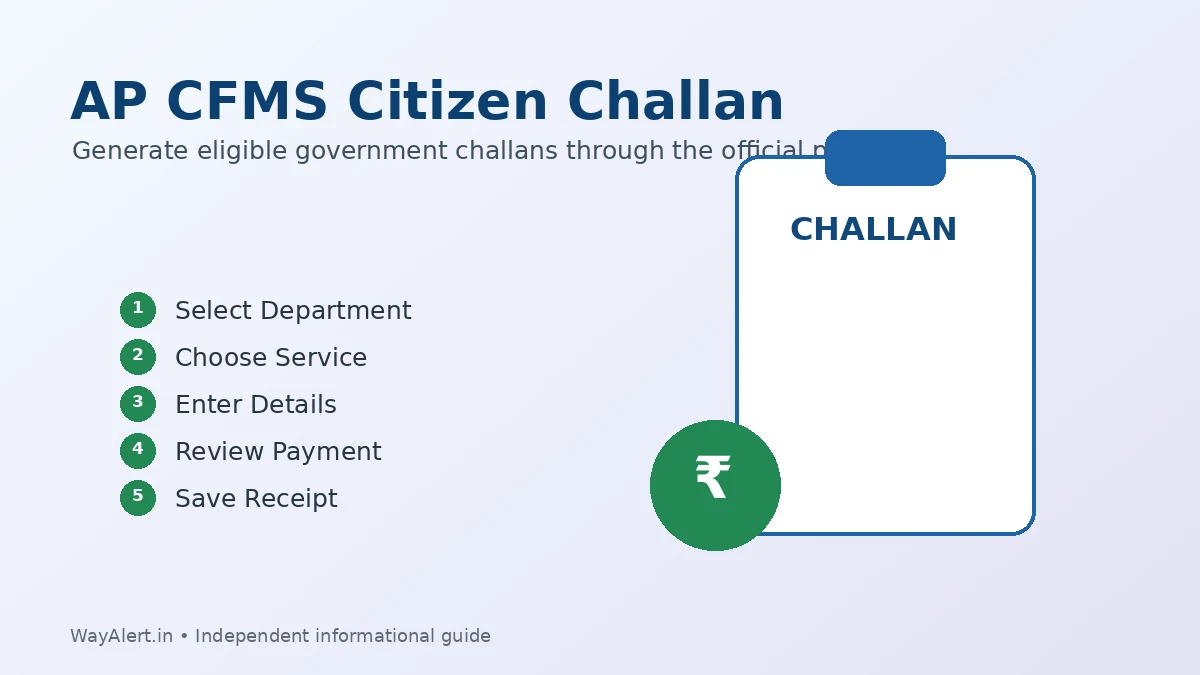
A Citizen Challan can be used for eligible government receipts and payments where CFMS is provided as the payment method.
Start from the official portal:
Follow these general steps:
- Open the official AP CFMS Portal.
- Go to Citizen Services.
- Open the Receipts section.
- Select Citizen Challan.
- Choose the appropriate department.
- Select the relevant service or purpose of payment.
- Enter the information requested on the screen.
- Check the department and transaction details carefully.
- Proceed with the payment option provided by the official portal.
- Save the CFMS Transaction ID, challan number and payment reference after completing the process.
Important: Do not guess the department or service details. A wrong selection can create payment or reconciliation problems.
AP CFMS Challan Status – How to Check
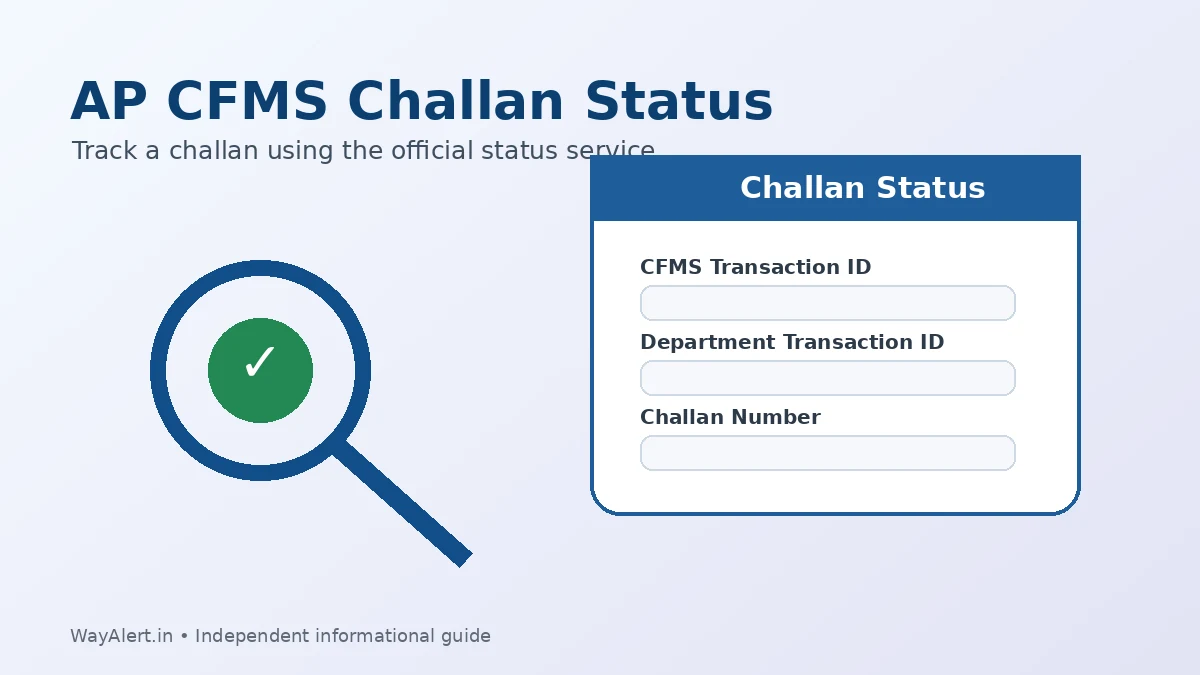
AP CFMS Challan Status is one of the most commonly searched CFMS services.
The official CFMS homepage currently provides a dedicated Challan Status option under Citizen Services.
To check your challan:
- Open the official AP CFMS Portal.
- Go to Citizen Services.
- Select Receipts.
- Choose Challan Status.
- Enter the transaction information requested on the screen.
- Submit the details to view the available status.
Keep details such as your challan number, CFMS Transaction ID or other transaction reference available.
Can I Download or Print a CFMS Challan?
If the relevant transaction information is available through the status service, the portal may provide options to view or save the challan or related receipt.
It is a good practice to keep:
- Challan Number
- CFMS Transaction ID
- Bank transaction reference
- Payment confirmation
until the payment is fully confirmed.
AP CFMS Bill Status
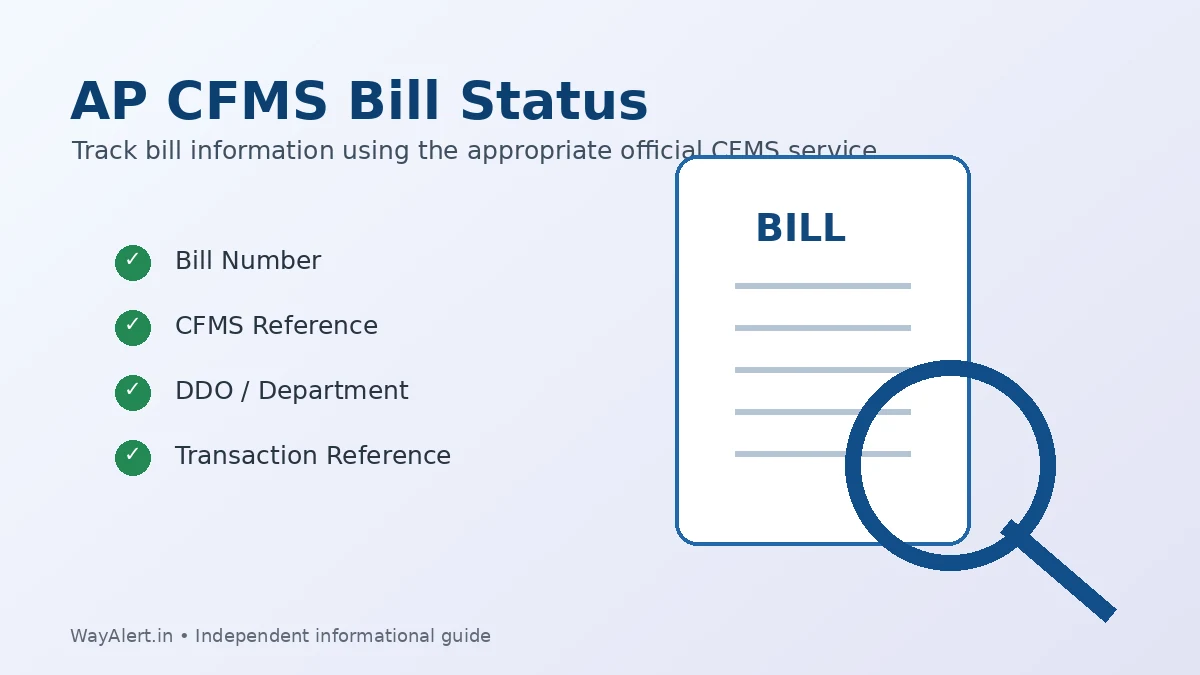
Users also frequently search for AP CFMS Bill Status.
The Andhra Pradesh Treasuries and Accounts Department confirms that CFMS is used for bill tracking. It also states that Treasury officials verify and audit bills submitted by DDOs before approval.
However, the exact bill-status information available to a user depends on the bill type and the person’s access.
If you are checking a bill, keep relevant information such as:
- Bill number
- CFMS reference
- DDO details
- Department information
- Transaction reference
ready before using the appropriate CFMS service.
If you cannot locate the required bill information, contact the concerned DDO, Treasury Office or official CFMS Help Desk.
CFMS Bill or Payment Still Pending?
If money has been debited but the CFMS transaction has not updated:
- Do not immediately make another payment.
- Save the bank transaction reference.
- Recheck the status after some time.
- Confirm that the correct department and service were selected.
- Contact the concerned department or official CFMS support if the problem continues.
What Is a CFMS ID?
A CFMS ID is an identifier used for Andhra Pradesh Government employee and authenticated financial services.
The official Government of Andhra Pradesh e-Service Book page currently instructs employees to enter an 8-digit CFMS ID while logging in.
A CFMS ID should not be confused with:
- Challan Number
- CFMS Transaction ID
- Department Transaction ID
- Bank payment reference
How to Know Your CFMS ID
The official e-Service Book instructions tell employees who do not know their CFMS ID to use the Employee Services link available on the CFMS website.
Start with:
Employees can also check the current NIDHI employee-service ecosystem where applicable.
Can I Search CFMS ID by Aadhaar Number?
Search engines may show queries such as AP CFMS ID search by Aadhaar number, but users should not enter Aadhaar information on unofficial websites.
The current official e-Service Book instructions direct employees to the Employee Services facility on the CFMS website to know their CFMS ID. They do not instruct users to use a random third-party Aadhaar-search website.
Use only the identification method shown by the current official government service.
AP NIDHI Portal and CFMS – What Is the Difference?
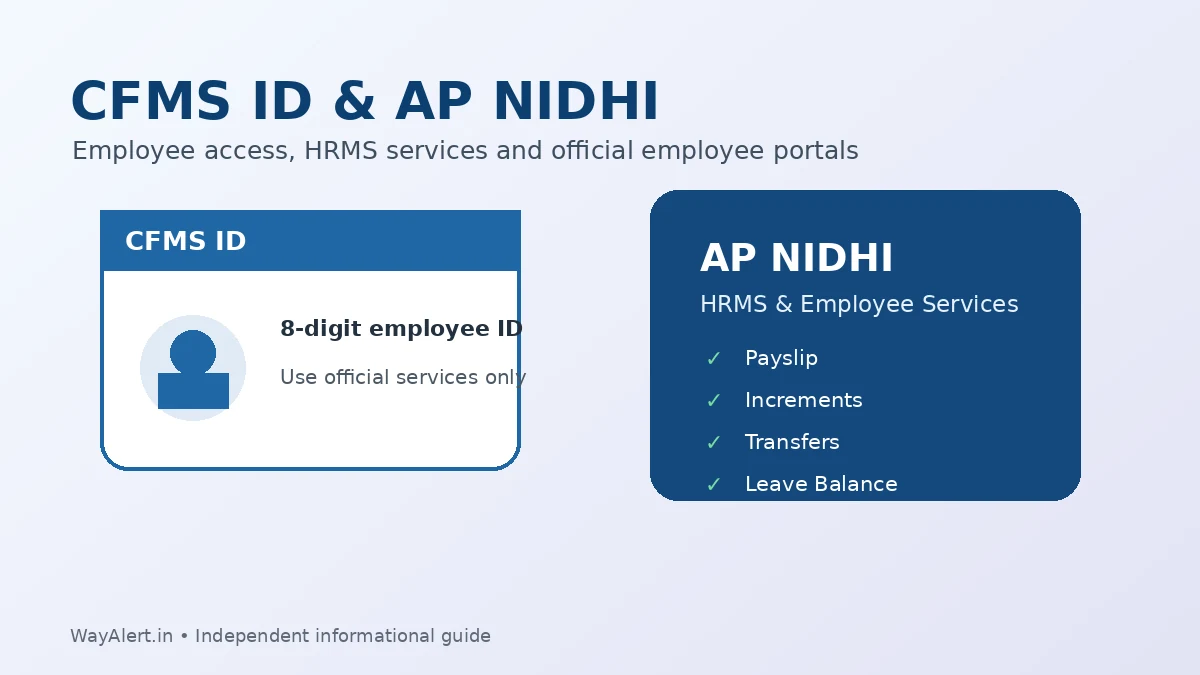
The NIDHI Portal is an important related system for Andhra Pradesh Government employees.
Official NIDHI Portal: Open AP NIDHI
The current Andhra Pradesh Treasuries and Accounts Department identifies NIDHI as the state’s HRMS portal for employee-service management, including areas such as salaries, increments, transfers, promotions and leave balances.
In simple terms:
CFMS mainly supports government financial and treasury-related functions.
NIDHI currently handles many HRMS and employee-service functions.
They are connected Andhra Pradesh Government systems, but they should not be treated as exactly the same portal.
AP Employee Payslip Through CFMS and NIDHI
The official CFMS homepage currently lists My Payslip under Employee Services.
Current NIDHI documentation also states that employees can download their individual payslips through the NIDHI service.
Employees looking for salary-related services should use official CFMS or NIDHI links rather than third-party login pages.
AP CFMS e-Service Book
The Government of Andhra Pradesh also provides an official e-Service Book facility for employees.
Official e-Service Book: Open GOAP Employee e-Service Book
The current login page requests:
- 8-digit CFMS ID
- Password
It also states that employee mobile-number updates are handled through the DDO’s master-data updation service.
Employees facing account-specific problems should contact their DDO or the relevant official support channel instead of sharing login credentials with an unofficial website.
Is There an AP CFMS App?
Users also search for an AP CFMS app.
For employee mobile services, official APCFSS documentation currently provides the NIDHI application ecosystem. NIDHI documentation includes login using CFMS ID and password followed by OTP verification, as well as employee payslip access.
Avoid downloading APK files advertised as “CFMS apps” from unknown websites. Use only official Andhra Pradesh Government/APCFSS sources or official app-store links provided through them.
AP CFMS Pensioner Services
The CFMS homepage currently includes Pensioner Services and links to pension-related facilities.
The Andhra Pradesh Treasuries and Accounts Department also states that retired employees can access services such as pension slips and other pension-related online facilities.
Pensioners should use the official services linked from CFMS or the Andhra Pradesh Treasury system.
AP CFMS Help Desk
For CFMS-related technical and service problems, use the official APCFSS Service Request Tracking System (SRTS).
Official CFMS Help Desk: Open APCFSS SRTS Help Desk
The current Help Desk provides:
- Service Request registration
- Track Service Request
- CFMS training information
- FAQs
- Login
- Help Desk contacts
It also currently publishes district-wise CFMS central help-desk contact numbers.
For Finance Department technical queries, the current AP Finance website lists 0863-2442550 as the technical contact number.
Common AP CFMS Portal Problems and Solutions
AP CFMS Portal Is Not Opening
Try the following:
- Confirm that you opened the official CFMS website.
- Refresh the page after a few minutes.
- Use an updated browser such as Chrome, Edge or Firefox.
- Clear the browser cache if an old page keeps loading.
- Try another internet connection.
- Check again later if the government portal is under temporary maintenance.
Challan Payment Completed but Status Not Updated
Do not immediately pay again.
Keep the bank reference and CFMS transaction information, recheck Challan Status after some time, and contact the relevant department or official CFMS Help Desk if the status remains unresolved.
Forgot the Challan Number
Check whether the official status page allows another transaction identifier associated with the payment.
Always keep transaction receipts after making government payments.
Employee Cannot Login
First confirm which portal is required for the service:
- CFMS for applicable financial/treasury services
- NIDHI for current HRMS and employee services
- e-Service Book for service-record-related access
For employee-specific login problems, contact the concerned DDO or official help channel.
AP CFMS Safety Tips
- Use only official AP Government or APCFSS websites.
- Never share your CFMS password or OTP.
- Do not send Aadhaar, PAN, bank information or passwords to unofficial support websites.
- Verify the department before making a challan payment.
- Save transaction IDs and payment receipts.
- Do not make duplicate payments while an earlier transaction is still pending.
- Avoid unofficial CFMS APK downloads or login pages.
Website – AP CFMS Official Links
AP CFMS Portal: Official CFMS Website
AP NIDHI Portal: Official NIDHI Website
CFMS Help Desk / SRTS: Official APCFSS Help Desk
Employee e-Service Book: Official e-Service Book
AP Finance Department: Official AP Finance Website
These CFMS, NIDHI, Finance and Help Desk links are also currently listed by an official Andhra Pradesh Treasuries and Accounts Department page updated on August 6, 2026.
AP CFMS Portal FAQs
What is the AP CFMS Portal?
AP CFMS is the Andhra Pradesh Comprehensive Financial Management System used for government financial transactions, challans, bills, employee-related financial services and treasury operations.
Is AP CFMS active in 2026?
Yes. CFMS is currently active, and Andhra Pradesh Government websites continue to list it as an official financial-management service in 2026.
What is the official AP CFMS website?
Use the official Government of Andhra Pradesh CFMS portal linked in this guide.
How do I check AP CFMS Challan Status?
Open the official CFMS website, go to Citizen Services and select the Challan Status option.
Can I check AP CFMS Bill Status?
CFMS supports bill tracking, although the information available and the method used depend on the bill type and the user’s access.
What is a CFMS ID?
A CFMS ID is an employee identifier used for applicable Andhra Pradesh Government services. The official e-Service Book currently requests an 8-digit CFMS ID.
Is NIDHI the same as AP CFMS?
No. They are related government systems. CFMS is focused on financial and treasury services, while NIDHI currently provides HRMS and employee-service functions.
Where can I contact the AP CFMS Help Desk?
Use the official APCFSS Service Request Tracking System linked above.
Is WayAlert an official CFMS website?
No. WayAlert.in is an independent informational website. It does not operate CFMS and cannot access government accounts, employee records, challans, bills or payment databases.
Related AP CFMS Guides
For detailed help with individual CFMS services, the following support guides can be useful:
- AP CFMS Challan Status
- AP CFMS Bill Status
- Know Your CFMS ID
- AP NIDHI Login
- AP Employee Payslip
- AP CFMS Help Desk
Once these guides are published on WayAlert, link each relevant phrase above to its support article. Each support article should also link back to this main AP CFMS Portal guide.
Final Words
The AP CFMS Portal remains an important part of Andhra Pradesh’s government financial-management system in 2026. Citizens primarily use public CFMS services for challans and transaction-related tasks, while government employees and departments use CFMS and connected systems such as NIDHI for financial, salary and employee services.
Always use the current official Andhra Pradesh Government or APCFSS website before entering personal information, checking a transaction or making a government payment.